
12 Months
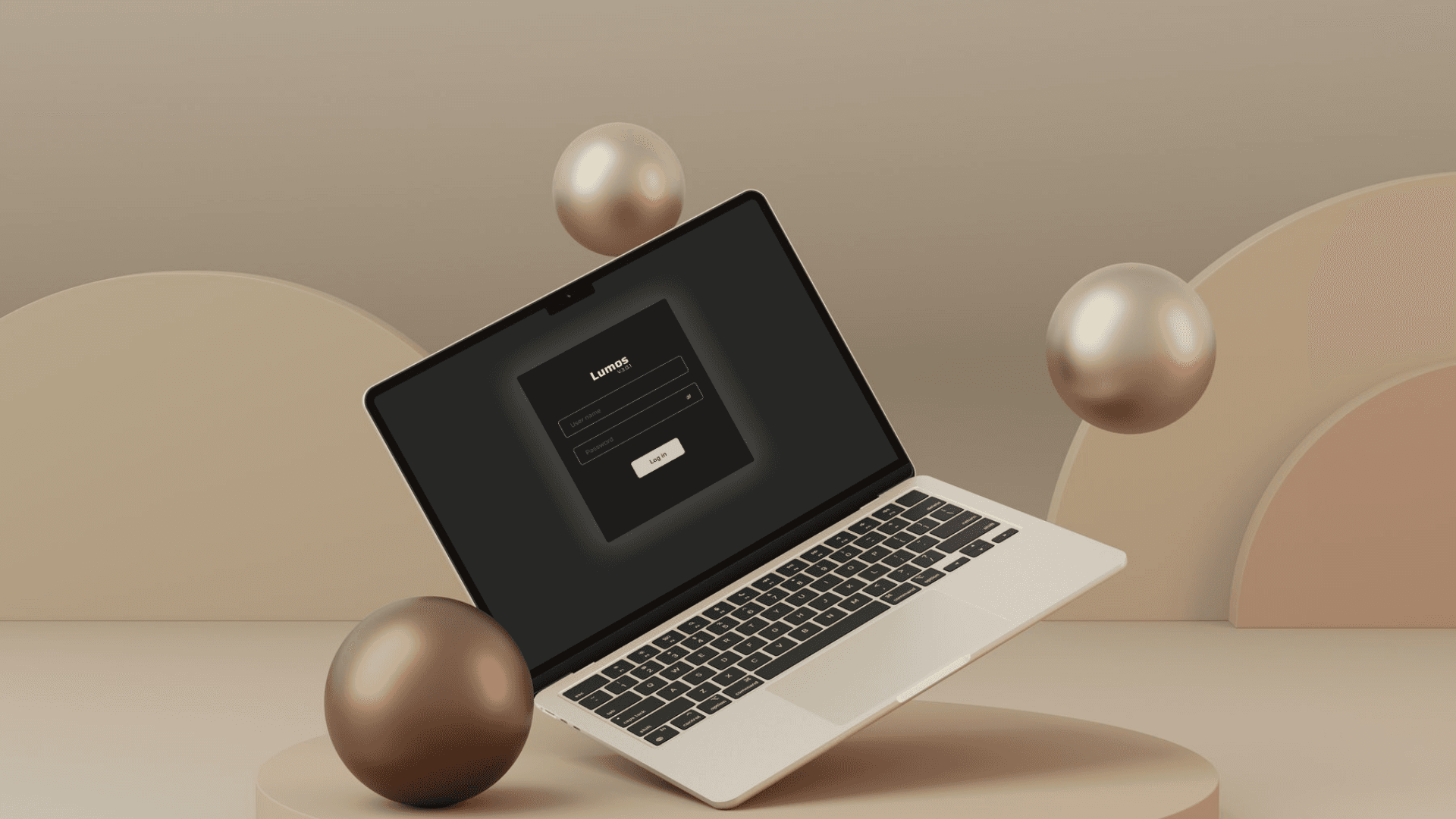
Lumos 3 is an industrial windows desktop application developed to support production, calibration, diagnostics, and servicing workflows for VeriVide's LED lighting systems.
In this project, I contributed to the visual and interaction design of the platform, focusing on creating a scalable design system and consistent user interface framework for a highly technical product used by production engineers, calibration technicians, and service teams.
As VeriVide transitioned from fluorescent light booths to tuneable LED systems, the company needed to rethink how products were calibrated, produced, serviced, and managed across global markets.
The existing workflows involved complex calibration processes, multiple hardware dependencies, and servicing requirements that would become increasingly difficult to manage as the LED product line expanded.
To support future growth, VeriVide required a consistent and scalable interface system that could accommodate multiple workflows while maintaining usability across the product.
The platform needed to help teams:
Run production workflows
Manage calibration processes
Monitor hardware status
Access diagnostic information
Support servicing operations across regions
Store and retrieve critical operational data
The challenge wasn't creating new functionality. The challenge was organizing complex technical workflows into an experience that users could efficiently understand and operate.
The Users:
Production Engineers: Responsible for manufacturing, testing, configuring, validating LED systems during productions, and assigning jobs to service engineers/agents. Their work depended on clear visibility into calibration status, jobs to be done etc.
Service Engineers/Agents: Responsible for maintaining systems after deployment. They required quick diagnostics, historical records, calibration information, and servicing workflows while working across different regions.
Key Design Challenges:
Making Calibration Workflows Easier to Understand & Prioritizing Critical Information
Users worked with large volumes of operational data. Calibration involved multiple steps, hardware interactions, and technical data points. A key challenge was presenting the information in a structured and understandable way without overwhelming users.
The interface needed to clearly communicate:
Current device state
Calibration progress
System alerts
Diagnostics information
Workflow status
Supporting Multiple User Roles: Different users interacted with the platform in different ways. The design needed to accommodate both production-focused tasks and servicing-focused activities without overwhelming users with unnecessary information.
My primary responsibilities focused on the user interface layer of the product.
Design System Development:
Created and maintained reusable design foundations including:
Color system
Typography scale
Spacing system
Component standards
Iconography guidelines
UI Kit Creation:
Designed reusable interface components including:
Buttons
Input fields
Tables
Navigation patterns
Status indicators
Dialogs and modals
System notifications
Visual Consistency:
Worked to establish a cohesive visual language across the platform to improve consistency and reduce interface fragmentation.
Interaction Design:
Designed micro-interactions and interface feedback patterns to improve usability and communicate system states more clearly. Such as,
Hover states
Loading states
Status feedback
Transition behaviors
Success and error messaging
Splash Screen
Interface Design:
Designed screens and interface layouts across different operational workflows while ensuring consistency with the design system.
UX Improvements:
Collaborated with the team to identify and address usability issues within existing workflows through layout improvements, visual hierarchy, and clearer information presentation.
The resulting design system provided a foundation for a more consistent and scalable user experience across Lumos V.3.0.1.
The UI framework helped standardize interface patterns, improve visual consistency, and support future product growth as additional workflows and features were introduced.


This project strengthened my understanding of enterprise UI design, design systems, and designing for complex operational software.
Working closely with the team taught me how a strong visual system can improve consistency, reduce design debt, and support long-term scalability within large software products.